VOD platforms let you host, brand, and monetize your own video library, so your audience and your revenue stay yours instead of a social platform’s. That matters when one algorithm change can wipe out your reach overnight and your income shows up in spikes instead of steady, predictable growth.
A good VOD platform fixes that without a dev team. The backend is handled for you, so you get full your own branding, flexible ways to charge (subscriptions, rentals, or pay-per-view), and apps across web, mobile, and smart TV, with no surprise costs or months of engineering.
This guide compares becomes “the 9 best VOD platforms by features, pricing, and real user ratings, so you can find the right fit fast. Whether you’re launching an OTT service (opens in new tab) , running a membership site, or streaming live events, here’s where to start.
Quick answer: the best VOD platforms by use case
A VOD platform lets you host, brand, and monetize an on-demand video library that your audience can stream on any device. The best fit comes down to your main goal like memberships, live events, ad revenue, or enterprise-scale delivery. Match the platform to that goal first, then compare pricing and ratings.
- Best for video memberships and branded apps: Uscreen (opens in new tab)
- Best for live event streaming: Dacast
- Best for enterprise-scale, global delivery: Brightcove
- Best for ad-based monetization: JW Player
Best VOD platforms compared
| Platform | Best for | Key differentiator | G2 rating | Starting price |
|---|---|---|---|---|
| Uscreen | Video membership | All-in-one platform offering hosting VOD, live streaming, marketing, etc. | 4.7 out of 5 stars (opens in new tab) | $49/month |
| Muvi | Large and complex VOD services | All-in-one suite, no third-party plugins | 4.5 out of 5 stars (opens in new tab) | $339/month |
| Dacast | Live event streaming | Real-time encoding, 24/7 support | 4.3 out of 5 stars (opens in new tab) | $39/month |
| JW Player | Robust ad integrations | Live-to-VOD and catch-up TV | 3.4 out of 5 stars (opens in new tab) | Contact sales |
| Brightcove | High-volume, global content | Ads, subscriptions, and pay-per-view | 4.1 out of 5 stars (opens in new tab) | Contact sales |
| Kaltura | Customizable solutions | Open-source with LMS integrations | 4.3 out of 5 stars (opens in new tab) | Contact sales |
| EnterpriseTube | AI-powered features | Secure internal and corporate video | NA | $550/month |
| VPlayed | Custom-built OTT | No revenue sharing, on-premise option | 4.8 out of 5 stars (opens in new tab) | Contact sales |
| Wowza | Cloud-streaming service | Broad protocol support (HLS, RTMP, DASH) | 4.5 out of 5 stars (opens in new tab) | $149 (one-time purchase) |
What is a VOD platform?
A VOD (video on demand) platform is software that lets you host, organize, and stream a video library that viewers can watch anytime, on any device.
Most business VOD platforms are also white label (opens in new tab) , which means the service runs under your brand, not the provider’s.
- Use your own logo, colors, and domain.
- Monetize with subscriptions, rentals, or pay-per-view options.
- Get deeper analytics to understand your audience.
- Offer gated content, promo codes, and upsells.
- Launch branded apps for mobile, smart TVs, and more.
It’s your content, so it should look and feel like your brand. White label VOD lets you own the experience from start to finish.
Types of VOD: monetization models explained
How you make money from your content shapes which platform fits. There are four main VOD monetization (opens in new tab) models, and many businesses blend more than one.
- SVOD (subscription video on demand)
Viewers pay a recurring fee, monthly or yearly, for unlimited access to your library. This is the model behind Netflix and most membership businesses, and it’s the one that produces the most predictable recurring revenue. Uscreen is built around this subscription-first approach.
- AVOD (ad-supported video on demand)
Viewers watch for free, and you earn money from ads shown before or during your content. It can reach a wide audience without a paywall, but revenue depends on high view volume, and you give up some control over the viewer experience.
- TVOD (transactional video on demand)
Viewers pay per title, either to rent for a set window or to buy permanent access. It works well for one-time releases like films, events, or specials. Uscreen supports this through rentals and one-time purchases alongside subscriptions.
- Hybrid
Many businesses combine models, such as a subscription library plus pay-per-view for premium events. A hybrid approach lets you serve casual viewers and committed members from the same catalog.
1. Uscreen
Uscreen makes it easy to turn your videos into a profitable subscription business by building a world-class streaming platform or the next big membership community.
Best for: Video memberships
G2 rating: 4.7 out of 5 stars (opens in new tab)
Uscreen (opens in new tab) is an all-in-one solution for video businesses that offers VOD (opens in new tab) , live streaming, community and engagement features, and a built-in CRM to manage everything from a single platform.
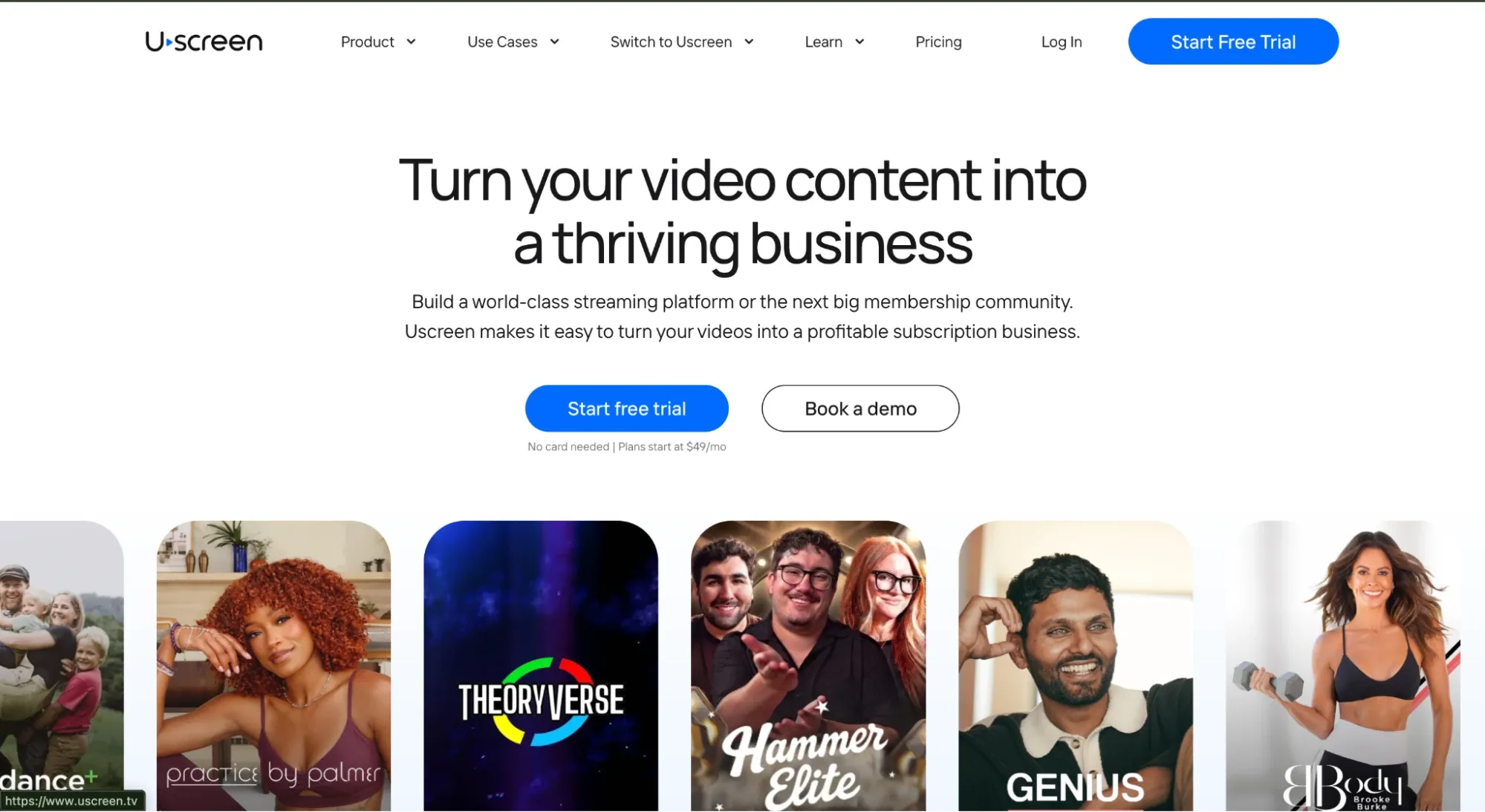
That daily engagement is what turns one-time viewers into long-term subscribers, so your recurring revenue compounds instead of leaking. You run the whole membership, content, community, payments, and marketing, from one place, with no code and no dev team.
Features we love
- Branded mobile and TV apps, published on your own developer account, so you own the apps and the audience, not the platform
- Native community (opens in new tab) with channels, direct messaging, and challenges that keep members engaged day to day
- Subscriptions (opens in new tab) , rentals, and one-time purchases, so you can blend recurring and pay-per-view revenue
- Built-in email marketing, automations, and upsells that grow and retain members without bolting on extra tools
- Analytics dashboard with viewer, churn, and revenue insights so you can act on what’s working
- Video hosting with DRM and geo-blocking to protect premium content
Reasons to try Uscreen (opens in new tab)
- Built for retention, not just hosting: Stores with community see 2x less churn and 50% higher engagement, so members stay and keep paying.
- You own everything: Your apps publish on your own developer account, so the apps, the data, and the member relationship stay yours.
- Quick launch with no code: Fast setup, onboarding support, and a user-friendly interface, with no coding required.
- Marketing built in: Email, automations, upsells, and analytics come included to help you grow and keep subscribers.
Reasons to avoid Uscreen
- Higher entry price than basic hosting: Plans cost more than bare-bones options like YouTube or Vimeo, especially once you add branded apps.
- Built for ease over deep customization: If you need a highly custom backend or advanced technical integrations, it may not be the right fit.
- Works best with an audience: It shines when you already have a following to convert, so a cold start can be harder to justify early on.
What users are saying
Users like:
What I like best about Uscreen is that it provides a complete, all-in-one platform that allows us to deliver a truly premium learning experience.
Validated G2 Reviewer (opens in new tab)
Users don’t like:
At this time, they do not offer apps for LG TVs.
Isaac J., Validated G2 Reviewer (opens in new tab)
Uscreen pricing
- Starter: $49/month, monthly billing only ($0 subscriber fee)
- Growth: $149/month billed annually, or $199 monthly (plus $1.99 subscriber fee)
- App Essentials: $449/month billed annually, or $499 monthly (plus $0.99 subscriber fee)
- Custom: custom pricing; contact sales
Refer to the Uscreen pricing (opens in new tab) page for more details.
2. Muvi
Best for: Large and complex video-on-demand services
G2 rating: 4.5 out of 5 stars (opens in new tab)
Muvi is a white label streaming platform built for live and on-demand audio and video. It comes with everything you’d expect, from custom-branded apps to built-in monetization tools. And it supports web, mobile, and smart TV delivery right out of the box.
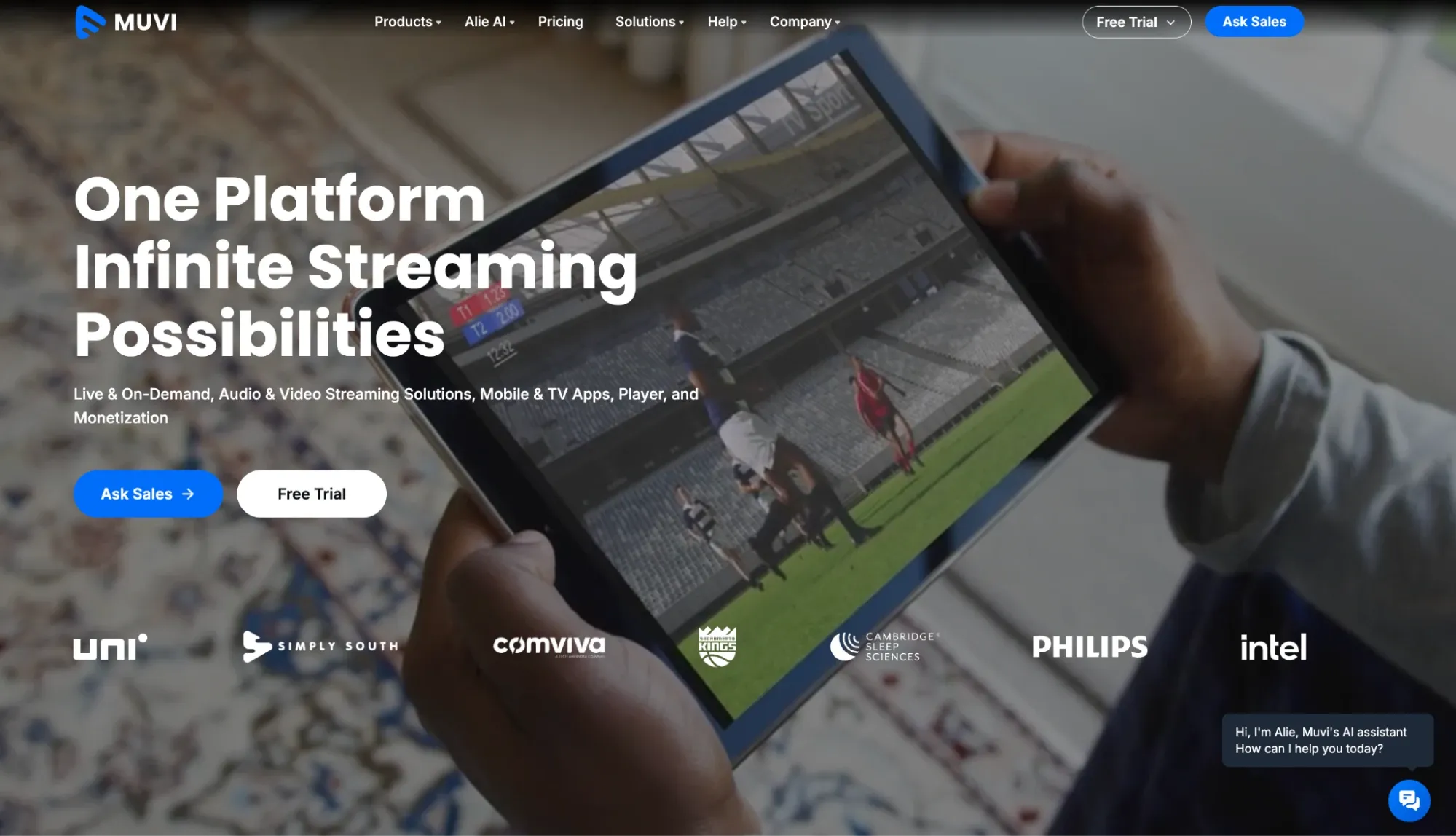
With features like audience segmentation, detailed analytics, and customizable players, it’s a strong pick for enterprises or media companies looking to launch at scale without relying on third-party plugins or dev-heavy builds.
If you’re not sold on Muvi yet and want to browse other similar options, check out our Muvi alternatives (opens in new tab) guide.
Features we love
- Built-in billing and subscription management tools
- Advanced analytics
- Audience segmentation
- Customizable players
Reasons to try Muvi
- All-in-one infrastructure: Muvi is built to handle everything from content hosting to payments, marketing, and app development, making it a good choice for organizations that want a turnkey solution.
- Scales with complexity: The platform shines in high-volume, multi-region use cases. You get support for DRM, geo-blocking, multi-language subtitles, and even audio streaming, all from one dashboard.
- Custom apps included: Launch branded apps for iOS, Android, Roku, Fire TV, Apple TV, and more without managing multiple vendors or development timelines. However, it comes at an extra cost.
Reasons to avoid Muvi
- High cost for smaller teams: Muvi’s feature-rich plans are geared toward enterprises, so pricing may be overkill for solo creators or small businesses just starting out.
- Support can be hit or miss: Some users report slow or limited customer service, which is something to consider if you’re expecting hands-on onboarding or fast issue resolution.
- Challenging user interface: Some users report that Muvi’s interface can be unintuitive at times, with occasional performance slowdowns that may impact the user experience.
What users are saying
Here’s what users are saying, according to G2:
Users like:
What I like most is how everything just works together in one place, so we’re not jumping between tools anymore. The integration of AI-powered tasks like subtitles, clips, and metadata makes our workflow faster, simpler, and much easier to scale without adding more effort. This automation removes a lot of manual work, allowing us to go from upload to publish much faster and enabling easy scaling of output without adding complexity.
Antony W., Validated G2 Reviewer (opens in new tab)
Users don’t like:
I wish the price was lower.
KASHISH Pride Film Festival R., Validated G2 Reviewer (opens in new tab)
Muvi pricing
- Standard: $339/month, billed annually
- Professional: $1,274/month, billed annually
- Enterprise: $3,315/month, billed annually
- Ultimate: Custom pricing; contact sales
3. Dacast
Best for: Live streaming events
G2 rating: 4.3 out of 5 stars (opens in new tab)
Dacast is a white label OTT platform built for streaming live events and hosting on-demand video. It offers a cloud-based solution that supports both VOD platforms (opens in new tab) and live broadcasts, making it a go-to for event organizers, educators, and media companies focused on real-time delivery.
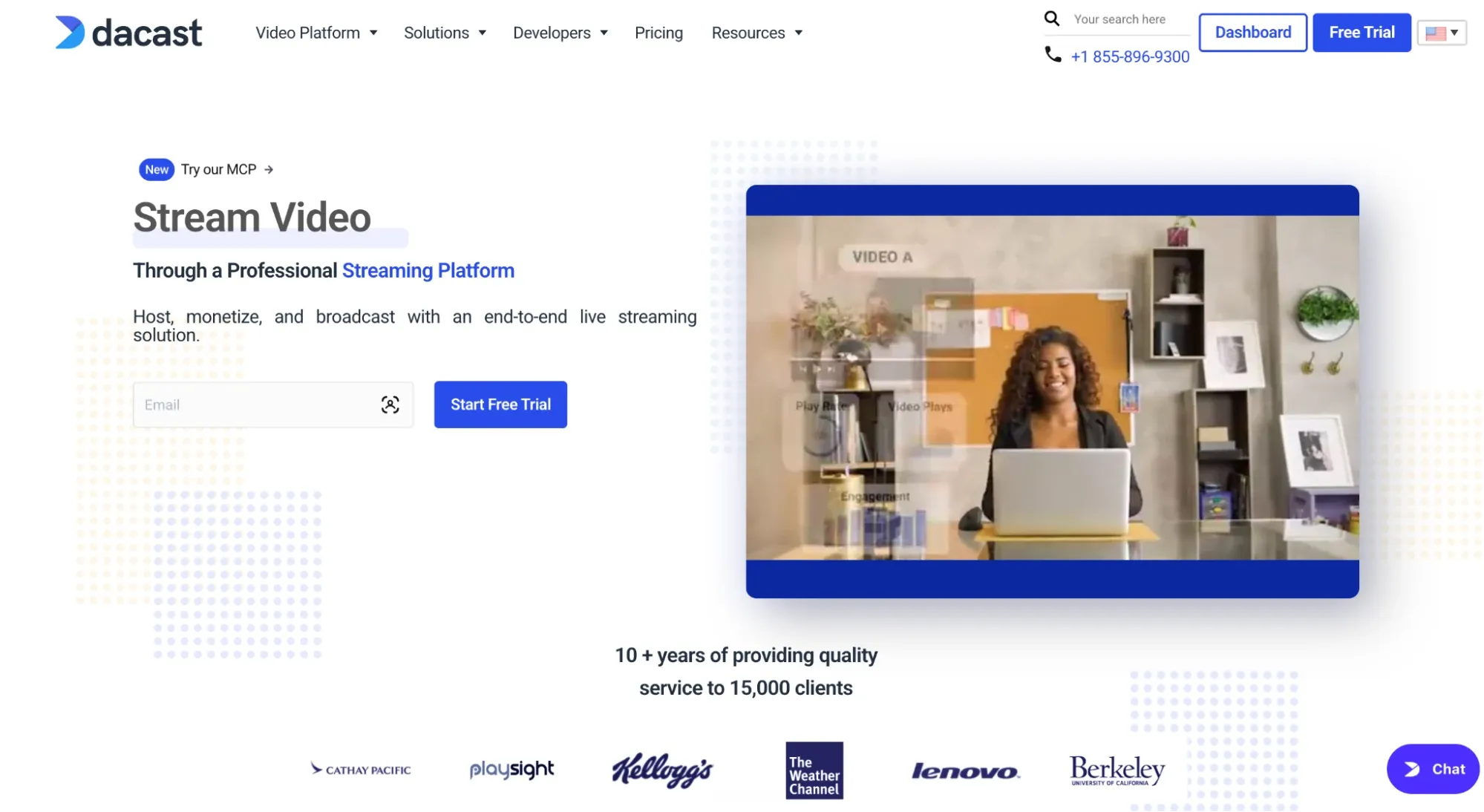
You can monetize through pay-per-view or subscriptions, stream in HD using an HTML5 video player, and access real-time analytics to track engagement as it happens. Compared to alternatives like Vimeo, Dacast has a straightforward interface and flexible pricing. It’s ideal for users who want to stream fast without getting stuck in a tech setup.
Curious how it stacks up against the competition? Check out our Dacast alternatives (opens in new tab) guide. Or, see how the Dacast vs. Vimeo (opens in new tab) platforms compare.
Features we love
- Live encoding support
- HTML5 video player
- Video security with password protection
- Cloud video transcoding
Reasons to try Dacast
- Great for live-first strategies: Dacast shines when live streaming is your main focus. The platform supports mobile and desktop delivery, real-time encoding, and ad-free playback.
- Flexible pricing: With plans starting at $39 per month, Dacast offers a lower barrier to entry than many enterprise-grade platforms.
- Mobile-ready: The platform supports mobile live streaming out of the box, helping you reach viewers on the go.
- Responsive support: Dacast provides 24/7 customer support, including live chat and email, to help troubleshoot issues quickly.
Reasons to avoid Dacast
- Limited community features: If you’re looking to build a video-driven community with comments, in-app engagement, or social features, Dacast may fall short.
- Requires external monetization tools for advanced models: While basic monetization is supported, more complex options, like bundling, upsells, or in-app purchases, often require outside tools or workarounds.
- Analytics aren’t user-friendly: Some users report that the analytics and reporting feature can be slow to load and not the easiest to navigate.
What users are saying
Here’s what users are saying, according to G2:
Users like:
It’s affordable.
N. Y., Validated G2 Reviewer (opens in new tab)
Users don’t like:
Customer service is horrible. Slow response, non-technical & unprofessional.
Cedric F., Validated G2 Reviewer (opens in new tab)
Dacast pricing
- Starter: $39/month, billed annually
- Event: $63/month, billed annually
- Scale: $165/month, billed annually
- Custom: Custom plan; contact sales
4. JW Player
Best for: Robust ad integrations
G2 rating: 3.4 out of 5 stars (opens in new tab)
JW Player (JWP Connatix) is a white label video platform built for creators who rely on ad revenue. With support for OTT live streaming (opens in new tab) , on-demand content, and monetization via transactional or subscription models, JW Player offers the tools you need to deliver video at scale with targeted ads built in.
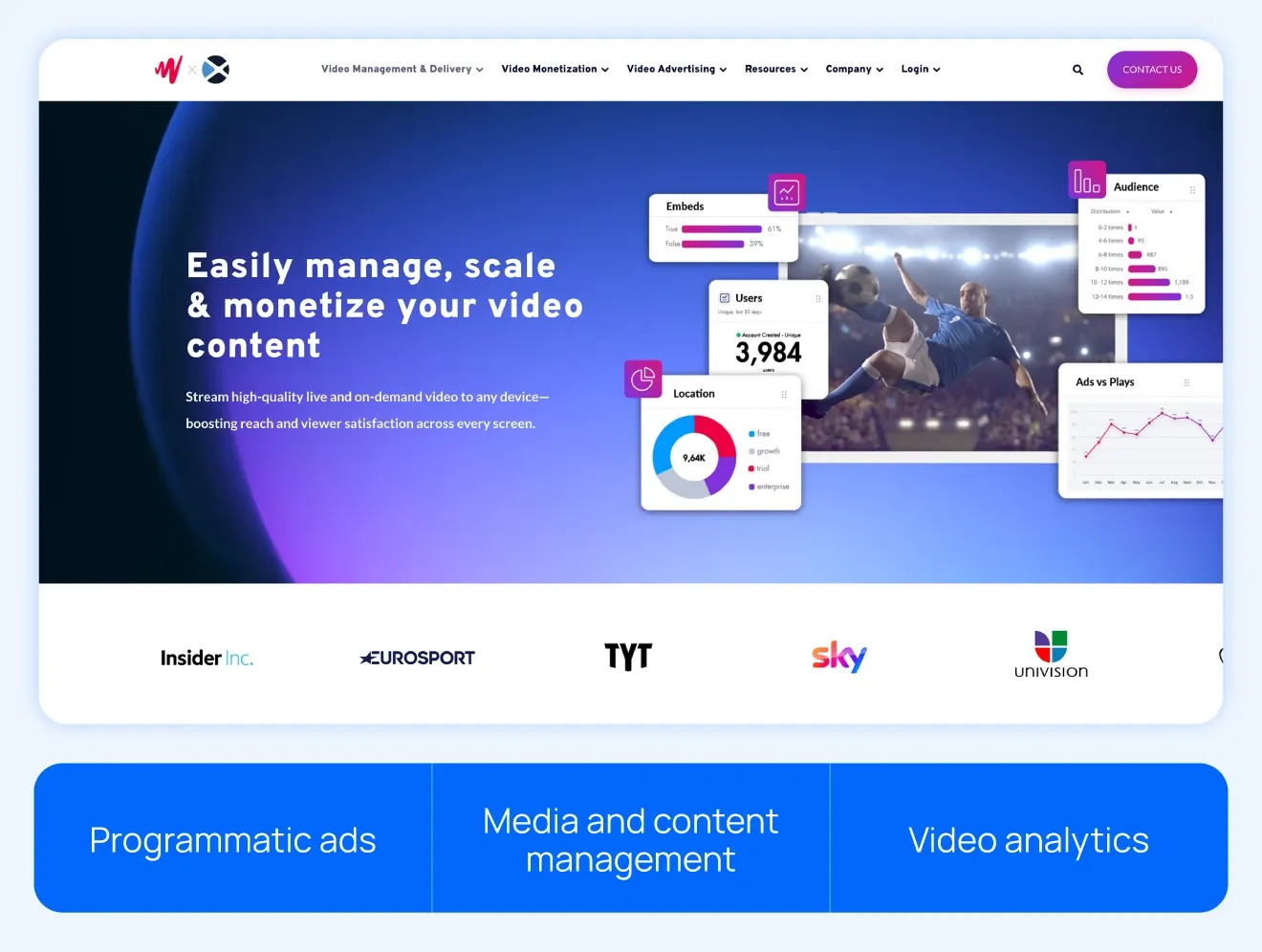
The platform supports live-to-VOD conversion, catch-up TV, and secure content delivery using DRM and encryption. While it’s not as beginner-friendly as some competitors, its performance, reliability, and ad tech make it a strong choice for teams with development resources and monetization at the top of their list.
Want to see how it stacks up to other platforms? Check out our JW Player alternatives (opens in new tab) guide.
Features we love
- Programmatic advertising support
- Web player and video intelligence
- VOD and live streaming
- Secure encryption and authenticated distribution
Reasons to try JW Player
- Strong ad monetization: If your business model relies on ad revenue, JW Player offers industry-leading tools — like programmatic ad support, server-side ad insertion, and advanced analytics — to help you maximize earnings.
- Reliable performance: The platform consistently delivers fast video playback with adaptive streaming, minimal buffering, and high-quality encoding.
- Developer flexibility: With CSS customization and rich APIs, JW Player gives technical teams the tools to integrate and personalize the player experience.
- Live streaming security: Digital rights management (DRM) and secure delivery options help protect your content — critical for premium broadcasts or paid streams.
Reasons to avoid JW Player
- Steep learning curve: The platform caters to technical teams, which makes it harder to navigate for beginners or solo creators.
- No free trial: You can’t test the platform before committing, which makes upfront evaluation more difficult.
- Limited interface flexibility: Customization options exist, but the setup can require trial and error, and the dashboard isn’t always intuitive.
- Missing site and marketing tools: JW Player doesn’t include a website builder or advanced marketing features like upsells, email automation, or audience segmentation. You’ll need to piece those together elsewhere.
What users are saying
Here’s what users are saying, according to G2:
Users like:
We have used it for 8 years, and we have not had any significant downtime or issues. It’s an established platform, which has been fairly stable also for higher usage.
Verified User in E-Learning., Validated G2 Reviewer (opens in new tab)
Users don’t like:
Only downside is the requirement to be emailed a unique code upon logging in via SSO.
David F., Validated G2 Reviewer (opens in new tab)
JW Player pricing
- Contact sales for pricing details
5. Brightcove
Best for: High-volume, global content
G2 rating: 4.1 out of 5 stars (opens in new tab)
Brightcove is a white label OTT platform built for enterprise-level video delivery. Known for its global reach, high-quality streaming, and flexible monetization options, Brightcove helps large media companies, broadcasters, and brands deliver content at scale.
It supports ad-based, subscription, and pay-per-view models so you can tailor your revenue strategy to your audience. Brightcove also includes customizable security features and detailed analytics to help you understand viewer behavior and optimize performance.
Features we love
- Advanced security and DRM capabilities
- Simple ad integration
- Adaptive bitrate streaming
- Customizable content protection options
Reasons to try Brightcove
- Enterprise-level performance: Brightcove is built for scale. It reliably supports high-traffic campaigns, global broadcasts, and complex distribution workflows.
- Flexible monetization options: You can monetize through ads, subscriptions, or pay-per-view, making it easy to adapt to different audiences and markets.
- Interactive features: Tools like polls, Q&A sessions, and community engagement (opens in new tab) features give you more ways to connect with viewers.
Reasons to avoid Brightcove
- High pricing: Brightcove’s enterprise pricing structure may be too expensive for individual creators or small to mid-sized businesses.
- No website builder: Brightcove focuses solely on video hosting, so you’ll need separate tools to build landing pages or websites.
- Limited analytics depth: While the platform includes performance tracking, some users say it falls short compared to the deeper insights offered by Brightcove competitors (opens in new tab) .
What users are saying
Here’s what users are saying, according to G2:
Users like:
I like that it’s easy to track videos and create shells in our CMS for brightcove
Verified User in Online Media., Validated G2 Reviewer (opens in new tab)
Users don’t like:
The pricing is a bit steep for smaller organisations.
Jordan Y., Validated G2 Reviewer (opens in new tab)
Brightcove pricing
- Contact team for pricing
6. Kaltura
Best for: Customizable solutions
G2 rating: 4.3 out of 5 stars (opens in new tab)
Kaltura is a customizable, open-source video platform designed with flexibility in mind. It’s especially popular among enterprise businesses, higher education institutions, and organizations that prioritize webinars, virtual events, and internal training.
With a strong focus on eLearning and video collaboration, Kaltura allows teams to build custom workflows tailored to their specific use case.
You can embed its cloud player directly into your website, integrate a payment gateway, and even download your subscriber list for email promotions or CRM outreach. It also supports social sharing, making it easier to amplify your reach across different platforms.
Features we love
- Learning management system (LMS) integrations
- Robust technical resource library
- Live, on-demand, and virtual classroom support
- Full API access and technical flexibility
Reasons to try Kaltura
- Custom-built for control: Kaltura’s open-source foundation and flexible architecture let you design a platform that fits your exact workflow.
- Great for education and training: With LMS integrations, virtual classrooms, and webinar support, it’s ideal for universities, online course creators, and corporate training teams.
- Strong developer community: A wide range of developer tools, documentation, and API support makes it easier to build custom apps or extend your capabilities.
- Reliable customer service: Users say support is responsive and knowledgeable, especially when it comes to troubleshooting complex setups.
Reasons to avoid Kaltura
- Not beginner or individual creator friendly: The platform has a steep learning curve and often requires a developer to manage integrations or deploy advanced features.
- Heavy on resources: Kaltura is powerful, but unlocking its full potential demands time, money, and technical expertise, which is not ideal for lean teams.
- Complex to maintain: Regular updates, plugin dependencies, and custom workflows can create long-term upkeep challenges.
What users are saying
Here’s what users are saying, according to G2:
Users like:
I love the ease of use. I also greatly appreciate the extraordinary customer service they provide. Our university has been using Kaltura for our content for a very long time, and the improvements they have made over time are greatly appreciated and work seamlessly with our LMS. Their customer service is always top-notch, and their experts make difficult tasks easy to understand.
Eli R., Validated G2 Reviewer (opens in new tab)
Users don’t like:
Changing the integration into our LMS (Canvas) is a pain and doesn’t offer 100% surety that our past embeds will still function. Plus, the new player isn’t ADA-compliant yet, while we are being forced to upgrade to that player.
Chris L., Validated G2 Review (opens in new tab)
Kaltura pricing
- Contact team for pricing
7. EnterpriseTube
Best for: AI-powered features
Gartner Peer Insights rating: 5 out of 5 stars (opens in new tab)
Note: EnterpriseTube has a smaller user review base compared to more established platforms, so independent feedback is more limited.
VIDIZMO designed EnterpriseTube specifically for professional organizations. It supports hybrid workforces by prioritizing security, internal training, and team collaboration.
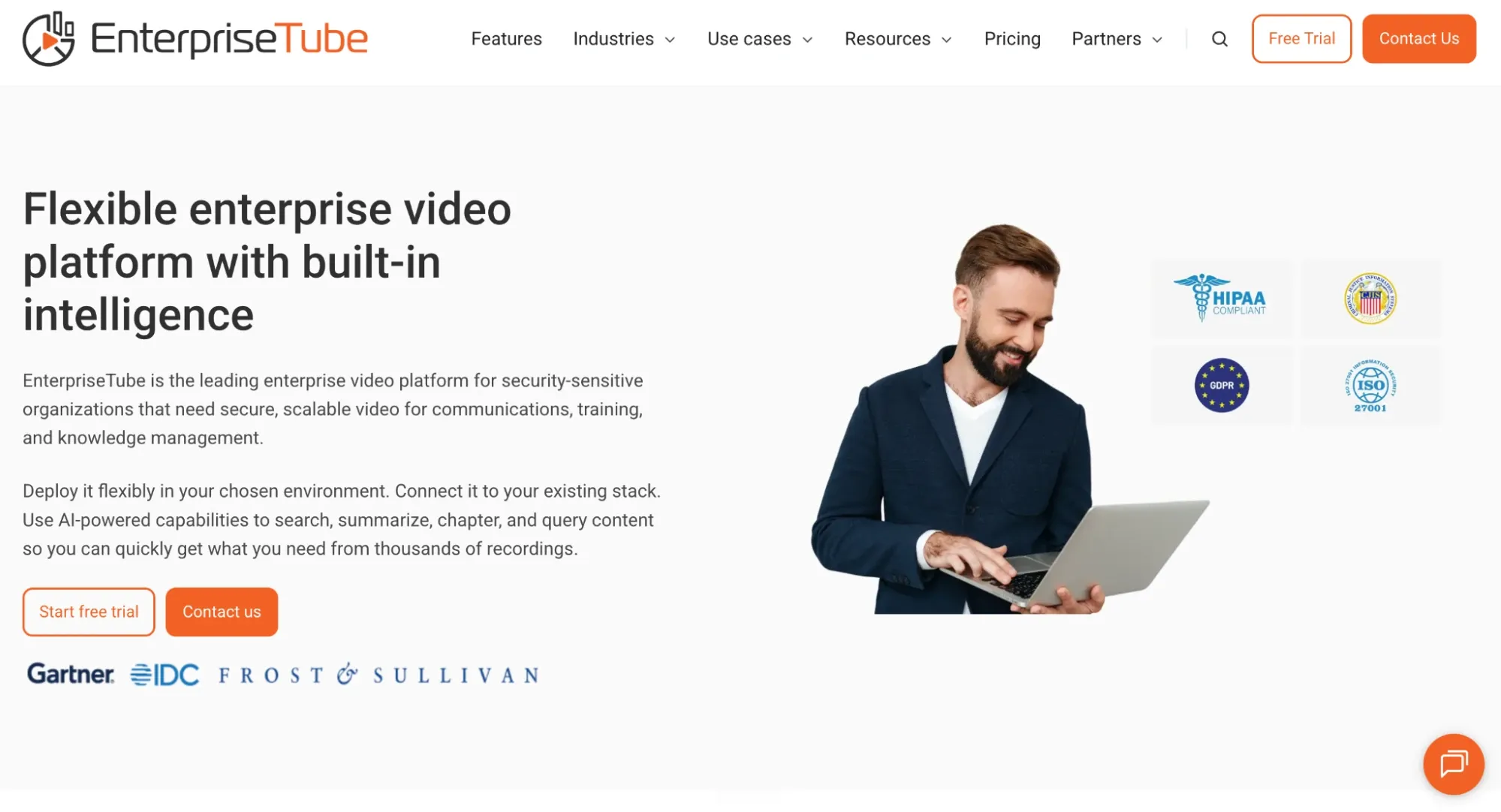
If your business handles a lot of internal video content, like training sessions, company updates, or knowledge sharing, EnterpriseTube offers a highly specialized solution. Its enterprise-level infrastructure and AI-powered video search help teams organize and access video libraries at scale.
Features we love
- Secure media sharing
- Real-time engagement analytics
- Third-party integrations
- Customization and branding options
Reasons to try EnterpriseTube
- Great for corporate learning: EnterpriseTube is ideal for internal training, onboarding, and organizational communication, especially for hybrid or remote teams.
- Powerful AI search and recommendations: Its AI can search video content by spoken or written keywords, helping teams quickly find exactly what they need.
- Enterprise-ready features: From secure content access controls to third-party integrations and engagement analytics, this platform is built with business use in mind.
Reasons to avoid EnterpriseTube
- Relatively new to market: While EnterpriseTube has grown since launch, it still has fewer independent user reviews than more established platforms, which makes long-term reliability harder to assess.
- Desktop only: EnterpriseTube is currently only available on desktop, with no mobile app support.
- Limited video editing features: It offers only basic editing tools like clipping and trimming, which may not meet the needs of more hands-on creators.
What users are saying
Here’s what users are saying, according to Gartner Peer Insights:
Users like:
The Vidizmo Team has been nothing but outstanding with the level of support, product knowledge, industry knowledge, and customer service.
Gartner Peer Insights Reviewer (opens in new tab)
Users don’t like:
The main page customization could be a little better. While the YouTube-like out-of-the-box presentation is already great, a little more control of the landing page would be nice. Multicast support would be nice for our particular organization would be nice to have. Better in-app reporting would be another add.
Gartner Peer Insights Reviewer (opens in new tab)
EnterpriseTube pricing
Contact the EnterpriseTube team for pricing.
8. VPlayed
Best for: Custom OTT solutions
G2 rating: 4.8 out of 5 stars (opens in new tab)
VPlayed empowers content creators and media businesses to customize their streaming platform. It supports both cloud and on-premise hosting, offers low-latency streaming, and allows for quick third-party integration to speed up deployment.
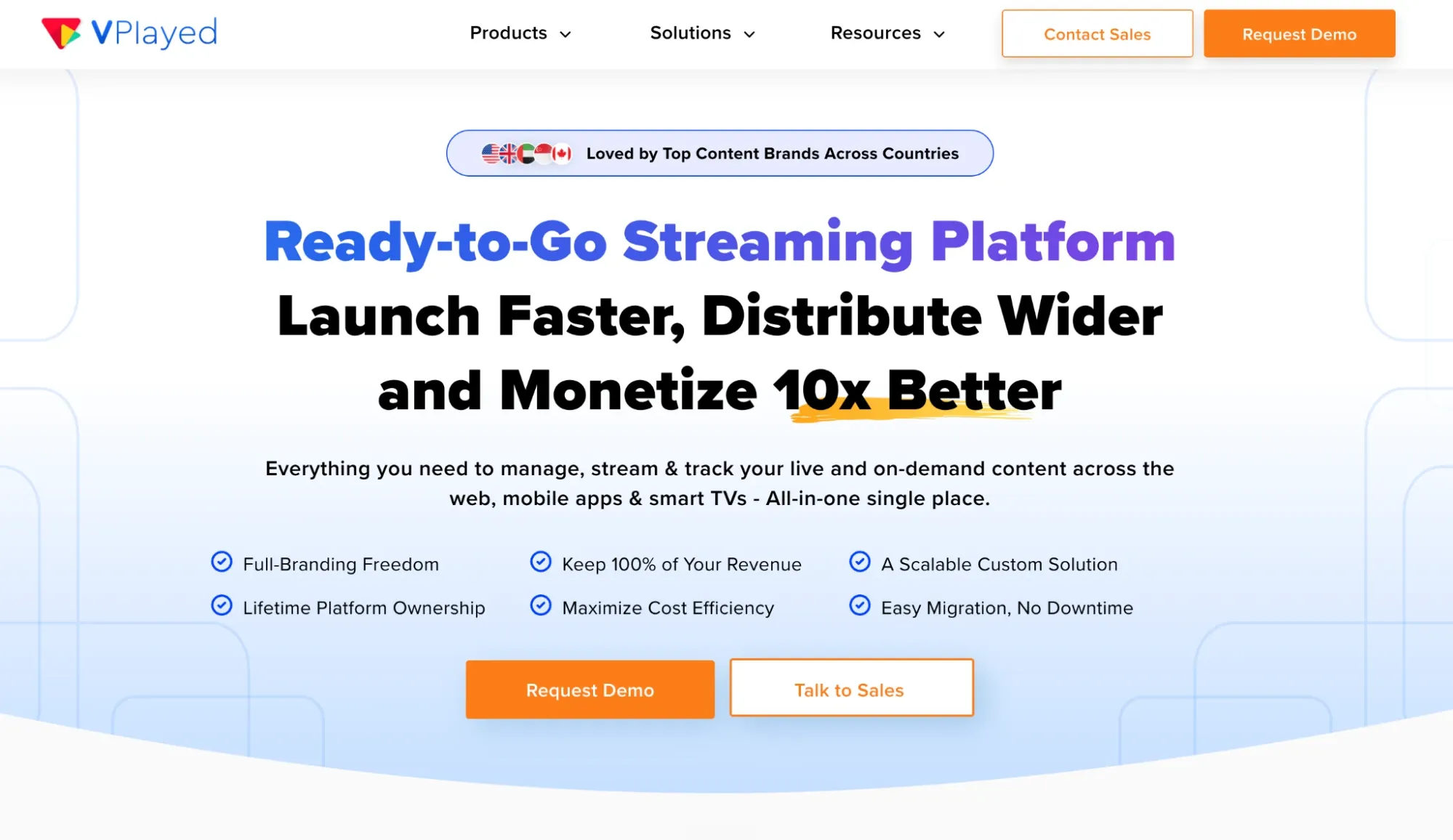
This platform shines when you’re building a business around PPV content, subscription models, or hybrid monetization strategies like AVOD (ad-supported), SVOD (subscription), and TVOD (opens in new tab) (transactional).
It’s app- and subscriber-focused, with flexible tools that let you stream across devices and control your branding, experience, and infrastructure from end to end.
Features we love
- Marketing integrations
- Stream on multiple devices
- Fast integrations
- Advanced encryption
Reasons to try VPlayed
- Designed for scale: Its scalable architecture can support large audiences, making it a strong choice for major events, growing OTT libraries, or niche streaming apps.
- Fully customizable: You control the UX, feature set, monetization models, branding, and backend, from video player to subscriber dashboard.
- No revenue sharing: Unlike many streaming tools, VPlayed lets you keep 100% of your earnings.
- Flexible monetization: Choose from AVOD, SVOD, or TVOD, or blend them to suit your content strategy.
Reasons to avoid VPlayed
- Complex setup process: With great flexibility comes more time and effort, so it’s not great if you need a plug-and-play option. Expect a longer onboarding period than VPlayed alternatives (opens in new tab) .
- Higher upfront costs: Custom development and platform ownership typically mean a larger investment upfront.
- No free trial: There’s no way to test the platform without committing, which might be a barrier for smaller teams or early-stage creators.
- Learning curve: The depth of customization can be overwhelming without technical support or a dedicated development partner.
What users are saying
Here’s what users are saying, according to G2:
Users like:
VPlayed developed our entire video streaming ecosystem across web, mobile, and Smart TV. And the best part is, everything runs through a single centralized dashboard. So our workflows, publishing, and updates are now unified and far more efficient.
Verified User in Broadcast Media., Validated G2 Reviewer (opens in new tab)
Users don’t like:
While the platform is powerful, the onboarding process can be technically demanding, especially for teams without in-house developers.
Vijay E., Validated G2 Reviewer (opens in new tab)
VPlayed pricing
Contact team for pricing
9. Wowza
Best for: Cloud-streaming service
G2 rating: 4.5 out of 5 stars (opens in new tab)
Wowza is a white label OTT platform that lets you control how your content is streamed, delivered, and branded. Designed with flexibility in mind, it’s ideal for businesses that need a streaming solution that can scale across global audiences.
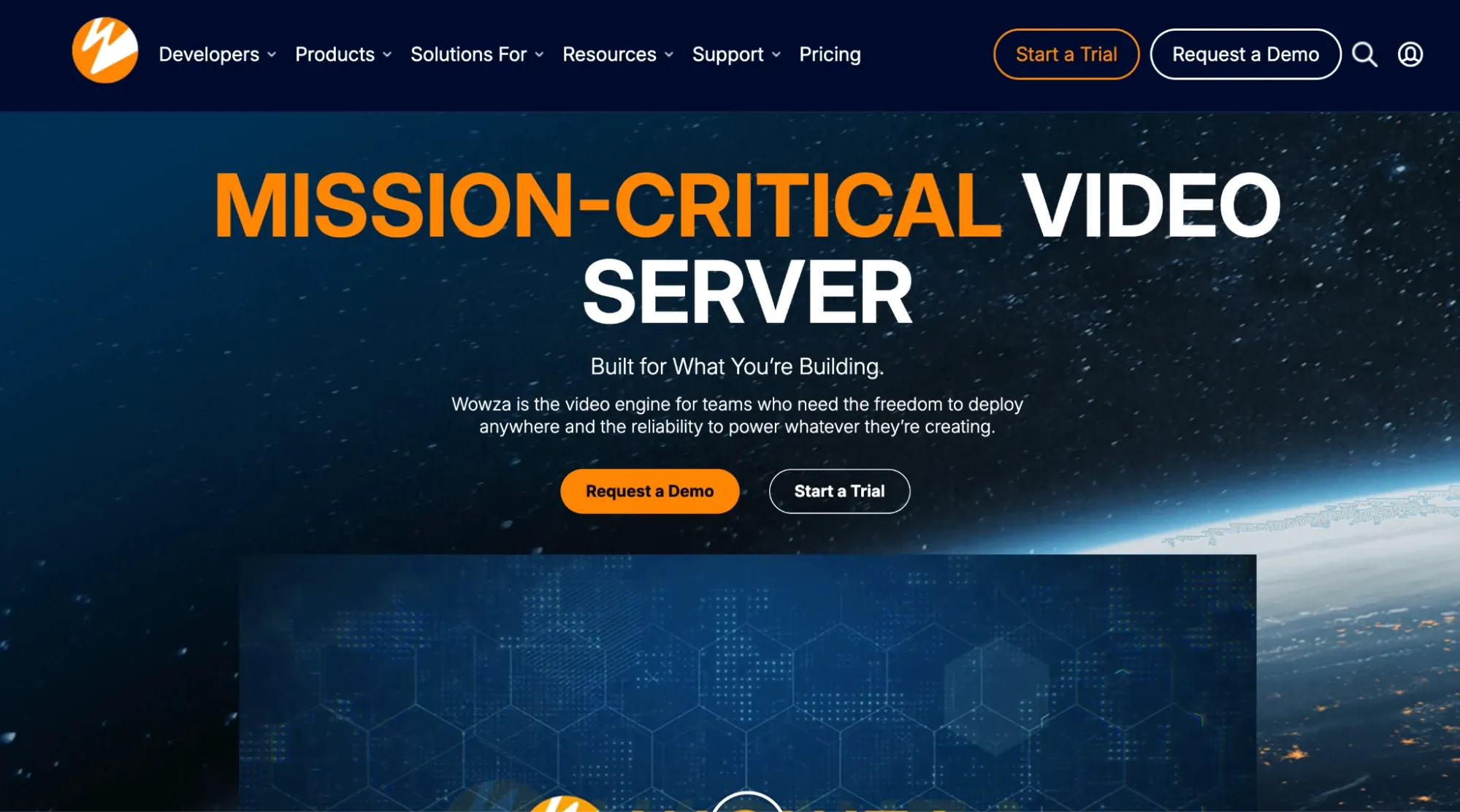
What sets Wowza apart is its broad support for industry-standard streaming protocols like HLS, RTMP, RTSP, and MPEG-DASH, allowing content to reach virtually any device, anywhere in the world.
It supports both live and on-demand content and offers adaptive bitrate streaming to ensure smooth playback regardless of connection speed.
Features we love
- API integration suite
- Adaptive bitrate streaming
- DRM support (opens in new tab) for secure content delivery
- Live-to-VOD functionality
Reasons to try Wowza
- Flexible deployment options: Choose cloud, on-premises, or hybrid setups depending on your infrastructure needs.
- Scalable architecture: Delivers high-quality, low-latency video with support for SRT, HLS, and DASH, making it easy to distribute globally.
- Developer-friendly tools: Wowza offers APIs, SDKs, and pre-built modules that make it easier to build and customize advanced workflows
Reasons to avoid Wowza
- No built-in monetization: You’ll need to integrate with external payment providers or build your own.
- Not as user-friendly: Some users report occasional latency issues and difficulties with certain code configurations.
- Usage-based pricing: The pay-as-you-go model offers flexibility, but it can be tough to budget and track compared to fixed monthly plans.
What users are saying
Here’s what users are saying, according to G2:
Users like:
I was first introduced to Wowza by a friend who told me they had integrated the Streaming Engine into their platform. This intrigued me and led me to try it out myself. After reading the documentation, which really is just a two-minute read, I was able to set the correct settings and it worked for the first time. Honestly, Wowza came at the right time for us and we are now in the process of integrating their APIs into our platform.
Elias C., Validated G2 Reviewer (opens in new tab)
Users don’t like:
It has been a reliable solution, however, we’ve encountered some challenges. The user interface can be complex, requiring a steep learning curve. Additionally, we’ve experienced occasional latency issues and difficulties with certain code configurations.
Leonardo P., Validated G2 Reviewer (opens in new tab)
Wowza pricing
- One Month of Streaming: $149 (one-time purchase)
- Pay As You Go: $2.50/streaming hour, $0.10/viewer hour (usage-based)
- Enterprise: Custom pricing; contact sales
Our methodology
Uscreen is a VOD streaming platform, so it’s fair to question our bias. But our goal isn’t to sell you, it’s to help you find the best fit for your business.
This guide is based on:
- Customer interviews and real-world feedback
- Hands-on platform testing
- 10+ years of industry experience
We didn’t rank platforms, because there’s no one-size-fits-all. What works for one business might not work for another, and that’s the point.
If Uscreen fits your needs, great. If not, we still want you to win.
How to choose a VOD platform
Not all VOD platforms are built the same, and choosing the right one can significantly shape the future of your video business. Here’s how to narrow it down based on what you need:
1. Define your use case and audience
Ask yourself:
- What type of content are you streaming? Think about whether you’ll be offering live classes, evergreen courses, pay-per-view events, or your own OTT channel.
- How big is your audience today, and how fast will it grow? Your platform should be able to scale with you, not hold you back.
- Where will your audience watch? Prioritize the right devices, whether it’s web, mobile, smart TVs, or set‑top boxes.
- What platform features do you need? Consider geo-blocking, age gating, and language localization.
- How much control do you want over branding? Look for full customization, including logo, colors, domain, and overall design.
The clearer you are on your content and audience, the easier it’ll be to pick a platform that fits.
✅ Looking for a full breakdown? Check out our step-by-step guide on how to start a streaming service (opens in new tab) to learn everything from choosing your platform to launching your first app.
2. Evaluate ease of use and customization
You shouldn’t need a developer to launch your platform. A strong white label OTT solution should be easy to use right out of the box with drag-and-drop tools, clean navigation, and onboarding that walks you through setup.
But ease doesn’t mean cookie-cutter. Look for platforms that give you creative control. Got a tech-savvy team? Bonus points if the platform offers open APIs, SDKs, or custom app development for iOS, Android, Roku, and more.
You should be able to build what you want without getting stuck.
3. Consider monetization models
Your content deserves to earn. Whether you’re selling subscriptions, pay-per-view events, digital rentals, or one-time purchases, make sure the platform supports your OTT business model (opens in new tab) and gives you room to grow.
Look for flexible video monetization (opens in new tab) tools like:
- Content bundles
- Discount codes
- Multi-currency checkout
- In-app purchases
Some platforms also include built-in email, upsells, or affiliate tracking to help boost your revenue. Just don’t forget to check the fine print. Transparent payout policies and clear fees matter more than you think.
4. Compare scalability and support
A great platform should grow with you. Look for:
- Global CDN coverage and cloud-based scaling to handle high traffic
- High-quality encoding for HD or 4K streaming
- Content protection like DRM and watermarking
- Reliable mobile and smart TV delivery for global audiences
Strong support matters, too. Prioritize:
- Live chat and expert onboarding
- A dedicated account manager (not just a help article)
And don’t forget the roadmap. Platforms that ship updates, like FAST channels, integrations, or AI tools, are building for what’s next, not just what’s now.
Use this guide to confidently move forward with a solution that fits your goals. And if you’re still deciding between an OTT app and a VOD-first approach, check out our guide on OTT vs. VOD platforms (opens in new tab) for a deeper dive.
Choosing the right VOD platform gives you more control over your content and branding. Whether you’re building a Netflix-style membership site, live-streaming exclusive events, or launching a global OTT service, the right platform helps you shape your audience’s experience.
Ready to take the next step? Uscreen makes it easy with customizable websites, branded OTT apps, built-in analytics, and flexible subscription tools.